2026

Documentation
Odometry Pods and Localization Strategy
Localization Core
Odometry is the foundation of autonomous consistency. This page explains the two main FTC layouts and how to calibrate them using your Decode codebase.
Layouts
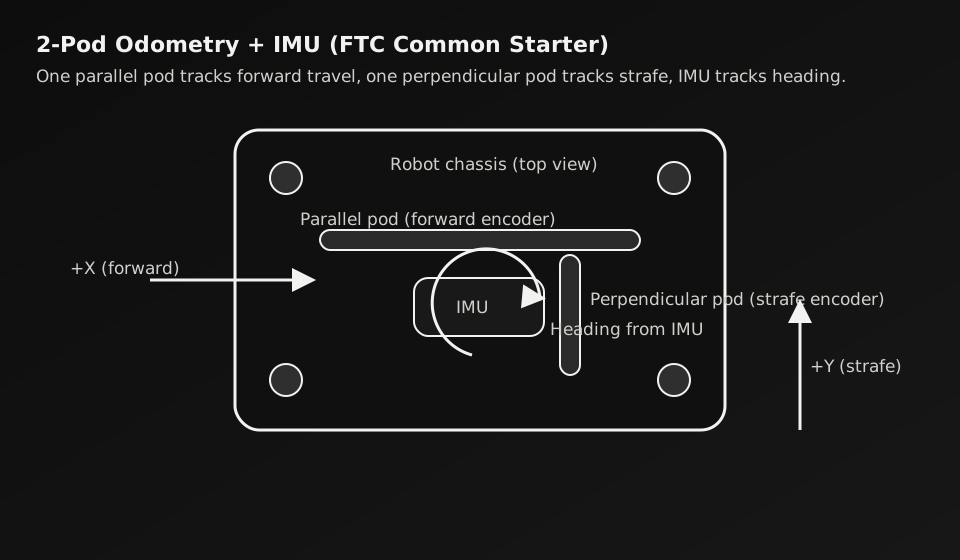
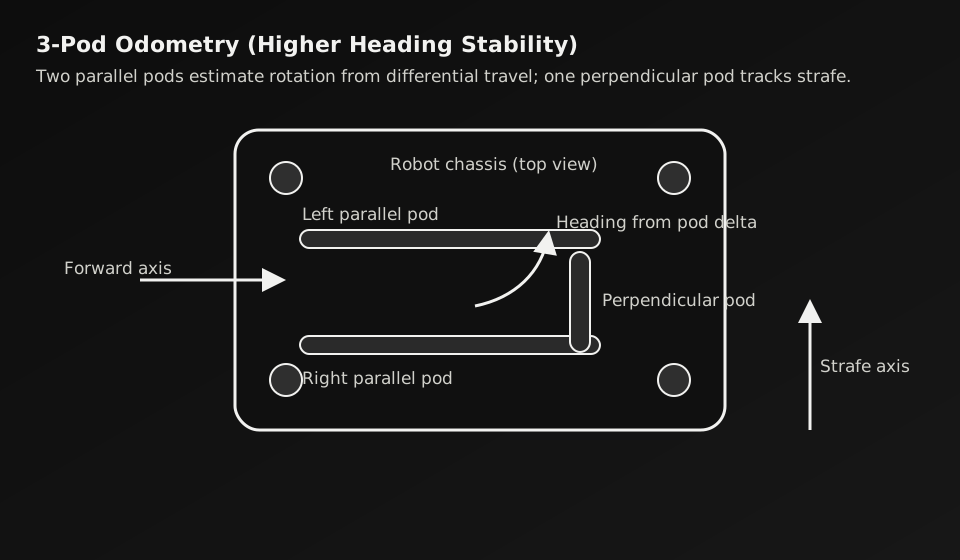
Compare
| Type | Good For | Main Cost |
|---|---|---|
| 2-pod + IMU | Beginner and intermediate teams, simpler maintenance, lighter design | Heading depends heavily on IMU quality and calibration |
| 3-pod | Teams needing stronger independent heading estimation from odometry | More hardware complexity and higher mechanical tuning overhead |
Step 1
Configure the Real Localizer Files
RoadRunner/drive/opmode/TwoWheelTrackingLocalizer.javadrive/Skeletal_Structures/GyroscopeBHIMU.java.../pedroPathing/Constants.javaStep 2
Set Correct Hardware Names and Signs
Mismatch here will produce fake drift and impossible trajectory tuning.
parallelEncoder = new Encoder(hardwareMap.get(DcMotorEx.class, "Back_Left"));
perpendicularEncoder = new Encoder(hardwareMap.get(DcMotorEx.class, "Back_Right"));

// Check reversals based on your mount direction
// parallelEncoder.setDirection(...);
// perpendicularEncoder.setDirection(...);
Step 3
Calibrate in This Order
If you tune follower gains before localization is stable, every later result becomes unreliable.
Step 4
Run Standard Tests
Step 5
Use Vision as an Assist, Not a Crutch
Next
Continue to Road Runner 0.5.6 Implementation to connect localization into full autonomous cycle paths.
Setup
AprilTag Detection
Autonomous Control
Odometry Pods
Auto Aiming Turret